How to Do a Phone-Free Evening
Spend one evening without phone scrolling: write a clear rule, park the phone, start with a bridge activity, and ride out the first urge. Read one step at a time. Start with the preflight. Hand keeps reaching? See Urge to check. Need one real reply? See Must message. Bored and restless? See Bored / nothing to do.
Tips for reading this guide
- One step at a time. Read the green caption, the Why line, then the bullets.
- Move on when the green done line is true — then go to the next step.
- Friction first. Parking the phone beats willpower alone.
- Urge to peek? See Urge to check. Real message need? See Must message.
- Need help? Ask a housemate to keep the phone in another room for one evening.
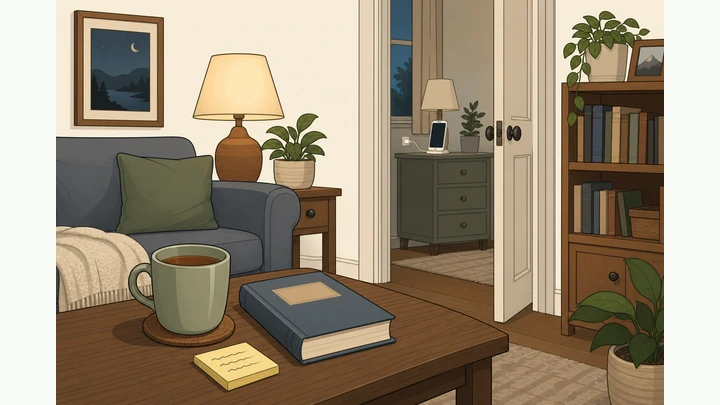
Things You'll Need
- Sticky notes or paper and pen for tonight's rule
- A phone with Focus / Do Not Disturb (or Airplane Mode)
- A park spot away from the couch: another room, drawer, or charger
- 2–3 offline activities ready (book, journal, walk shoes, puzzle, cooking)
- Optional kitchen timer for urge surfing or a short reclaim window
- A wall clock or watch so you do not unlock just to check the time
Where are you stuck?
Follow Start here for a full phone-free evening. Jump to a branch for urges, a real message need, or boredom.
- I want a full phone-free evening from scratch Rule · park phone · bridge · reclaim on purpose
- I keep wanting to peek / unlock Busy hands · sticky rule · 10-minute timer · move phone farther
- I have a real message, map, or safety need Name task · one app · lock · re-park · five offline minutes
- I'm bored and restless with nothing to do Easiest list item · change rooms · micro-task · prep tomorrow
Start hereWrite rule → Focus/DND → park phone → offline kit → bridge → ride urge → reclaim on purpose
Preflight — tonight's window, one-line rule, offline list, household note.
Window picked · one-line rule · 2–3 offline ideas · emergency rule clear.
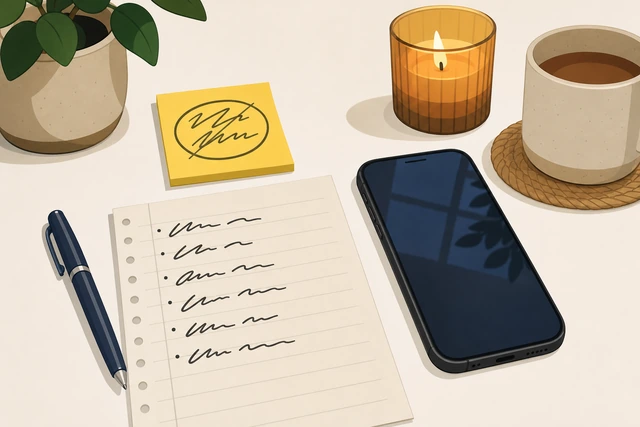
A vague "I'll use it less" fails — a written rule plus ready offline options give the evening somewhere to go.
- Window? Pick roughly when you start and when you reclaim (or morning).
- Rule? Draft one line: what is off-limits vs allowed tonight.
- List? Name 2–3 offline activities and tell household if they might message.
Tonight's window, one-line rule, offline list, and emergency exception are written down.
Worried you will cave in the first half hour? → Urge to check.
Choose a concrete start time and stick it on a note.
Clear start time · sticky note visible · not 'sometime tonight'.
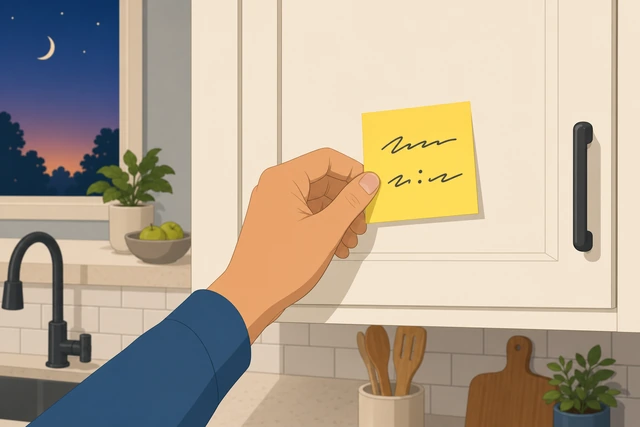
"Sometime tonight" never starts — a visible clock time turns the plan into a real appointment.
- Pick a concrete start (for example after dinner dishes are done).
- Write that time on a sticky note where you will see it.
- Do not leave the start as a vague feeling or "after I finish scrolling."
A clear start time is written and visible — not "sometime tonight."
Decide the end: reclaim time or park until morning.
End rule written · clock reclaim OR until morning · next to start time.
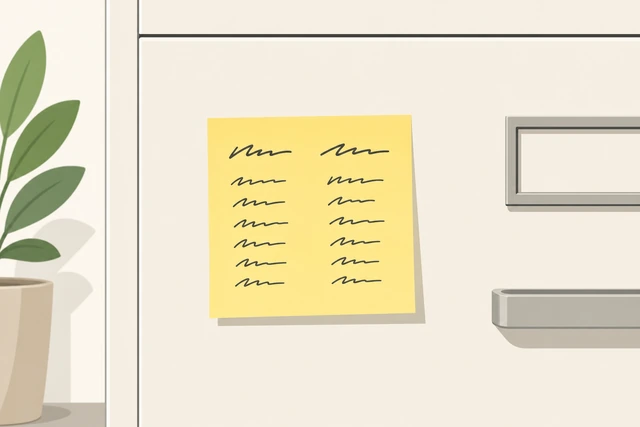
Without an end rule, the phone drifts back early — a written reclaim time (or morning) closes the loop.
- Choose reclaim at a clock time, or leave the phone parked until morning.
- Write the end rule next to the start time on the same note.
- If you choose morning, plan a simple wake-up alarm that is not beside the couch.
The end rule is written next to the start time.
Define off-limits vs allowed in one sentence.
One-line rule · feeds off · emergencies named · gray areas clear.
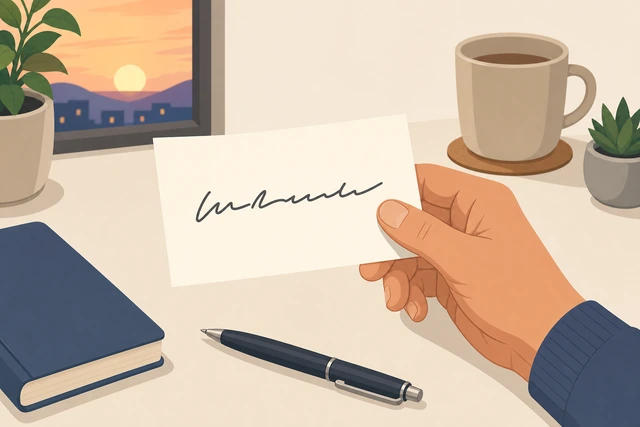
Fuzzy rules invite "just this once" — one sentence makes gray areas decideable in the moment.
- Write one line, for example: "No feeds or games; emergency calls OK."
- Name gray areas now (work chat, maps, two-factor codes).
- Keep the sentence short enough to read aloud when urged.
A one-line rule names what is off-limits and what is allowed.
Worried you might need to reply? → Must message.
Set Focus / Do Not Disturb (or Airplane Mode).
Focus or DND ON · allow only chosen contacts · before you park the phone.
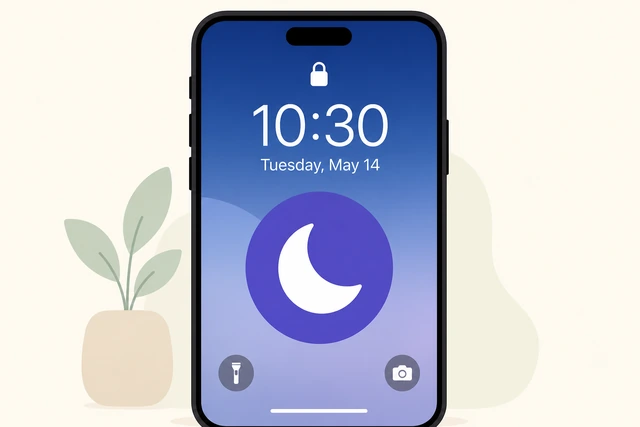
Silent mode still shows badges — Focus/DND stops most pings so parking the phone actually sticks.
- Turn on Focus or Do Not Disturb (or Airplane Mode if that fits).
- Allow only chosen contacts if someone truly may need you.
- Confirm the mode is on before the phone leaves your hand.
Focus, Do Not Disturb, or Airplane Mode is on before you park the phone.
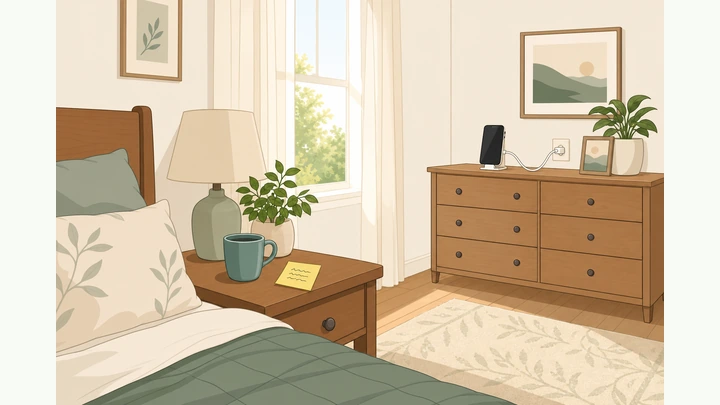
Park the phone in another room or a closed drawer.
Out of sight · not on couch arm · not in pocket · park spot set.
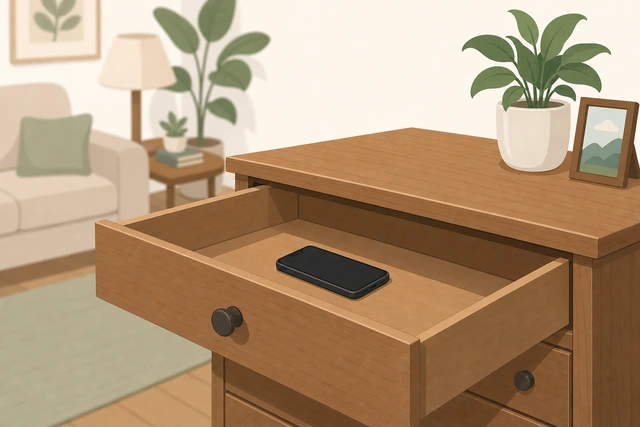
Willpower fails when the phone is within arm's reach — distance is the real friction.
- Put the phone in another room, a closed drawer, or a charger away from the couch.
- Take it out of your pocket and off the sofa arm.
- Use a wall clock or watch so you do not unlock just for the time.
The phone is out of sight, not on your body, and not beside the couch.
Lay out tonight's offline kit where you will sit.
Book or journal · tea or puzzle · walk shoes ready · within arm's reach.
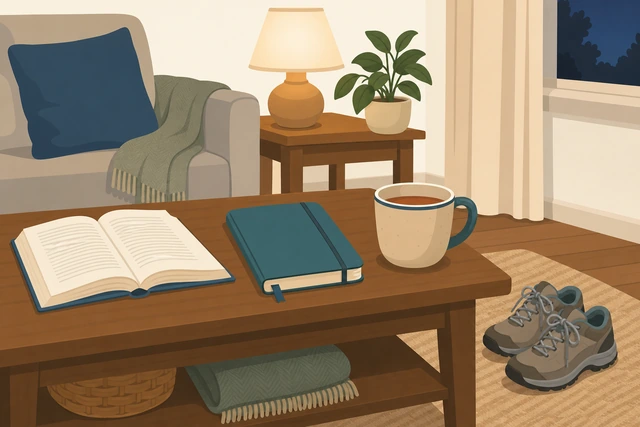
Empty hands default to the phone — a ready kit makes the next action offline by default.
- Place at least one activity within arm's reach of where you will sit.
- Add a second and third option (walk shoes by the door, puzzle on the table).
- Do not hunt for activities after the urge hits — lay them out now.
At least one offline activity is within arm's reach without hunting.
Nothing sounds interesting yet? → Bored / nothing to do.
Start with a 10–20 minute bridge activity.
Dishes, short walk, shower, or cooking · already doing something · not empty waiting.
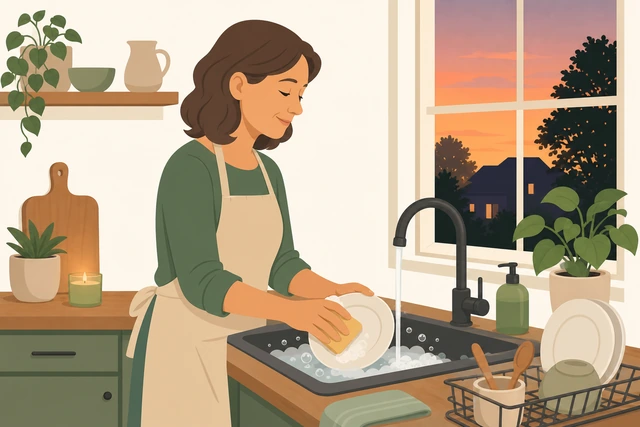
Starting by "not using the phone" is a void — a bridge activity fills the first minutes when urges peak.
- Pick a simple physical start: dishes, short walk, shower, or begin cooking.
- Spend about 10–20 minutes on it as the evening begins.
- Stay offline during the bridge — no "quick check" first.
You are already doing a physical offline activity when the window begins.
When the first urge hits, name it and keep going.
Say 'urge' · read sticky rule · resume activity · no unlock.
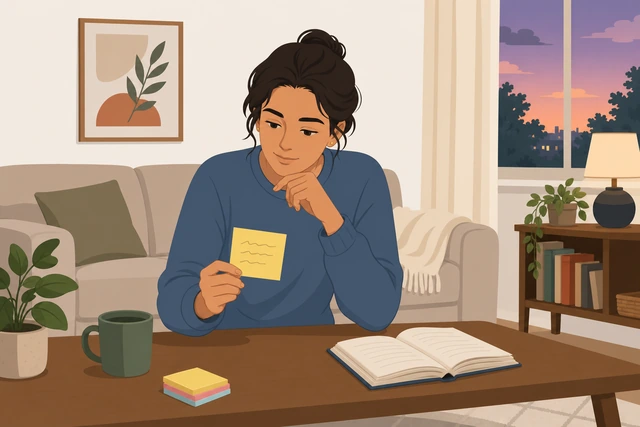
The first urge wave is normal — naming it and returning to the activity trains the habit without a peek.
- When the pull hits, pause and silently name it "urge."
- Look at your sticky rule once.
- Return to the bridge or kit activity without unlocking.
The first urge passed without the phone in your hand.
Urge stays red-hot? Full rescue → Urge to check.
Mid-evening: rotate offline options when interest dips.
Switch to plan B or C · boredom ≠ phone · keep rotating.
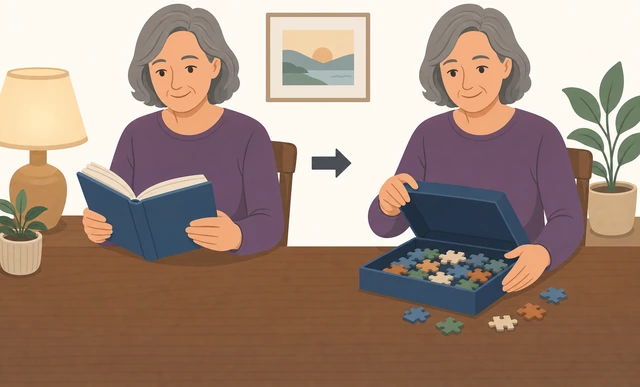
Boredom is a cue, not a failure — switching activities protects the rule better than white-knuckling.
- When interest dips, switch to another item on your offline list.
- Change rooms if the couch is your usual scroll spot.
- Treat boredom as a signal to rotate — not to unlock.
Boredom led to plan B or C, not a pocket grab.
Still restless with nothing to do? → Bored / nothing to do.
Keep other screens honest — no phone-as-remote excuse.
TV/laptop only if pre-decided · phone stays parked · no 'just checking'.
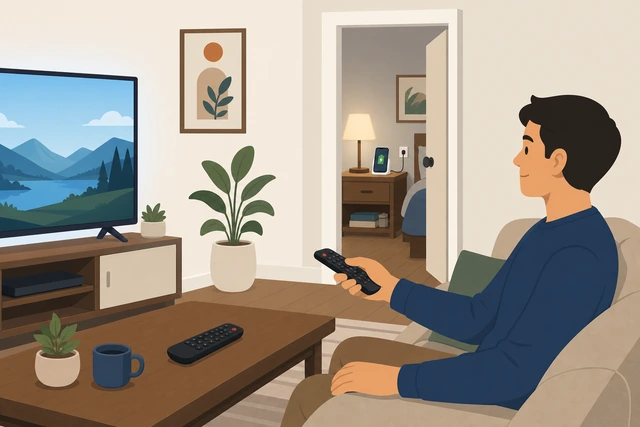
A laptop feed or "checking the remote app" is the same habit in disguise — keep the phone parked.
- Allow TV or laptop only if you decided that before the evening started.
- Do not unlock the phone to control the TV or "check one thing."
- If another screen becomes a feed, switch to an offline kit item instead.
The phone stays parked and other screens match your written rule.
For a real need, use a time-boxed exception then re-park.
One task only · unlock → do it → lock → return to park spot.
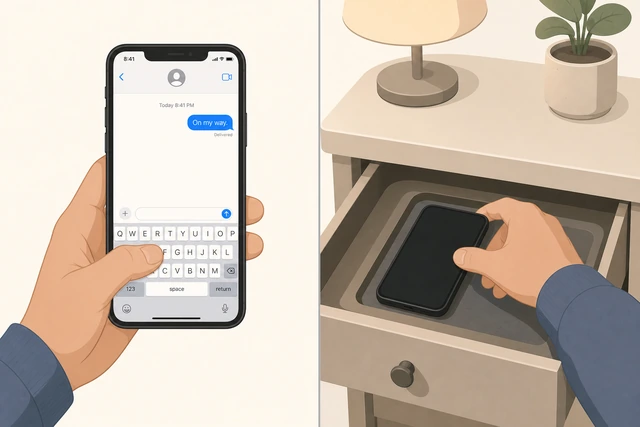
Real logistics happen — a boxed exception prevents one reply from becoming a thirty-minute scroll.
- Say the one task out loud before you unlock (for example "text Mom the ETA").
- Do only that task; do not open a feed app.
- Lock the phone and put it back in the park spot right away.
Any exception took only a few minutes and the phone is parked again.
Full exception protocol → Must message. Peek turning into scroll? → Urge to check.
Last hour: protect bedtime — no reclaim-for-scroll.
Phone still parked · dim lights · paper book or quiet wind-down.

Reclaiming for a "quick scroll" before bed steals sleep — keep friction until the planned end.
- Keep the phone in its park spot through the last hour.
- Dim lights and choose a quiet wind-down (paper book, stretch, tidy).
- Do not reclaim early just because the evening felt long enough.
The phone is still parked as you approach bedtime.
End with one short note on what worked.
Sticky or journal line · what worked · what nearly broke · deliberate reclaim.
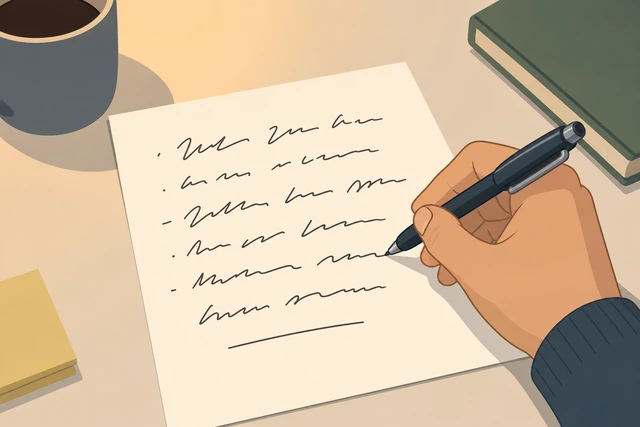
A one-line review turns tonight into a skill you can repeat, not a one-off white-knuckle night.
- At reclaim time (or in the morning), write one short line on paper.
- Note what worked and what nearly broke the rule.
- Reclaim on purpose — not because an urge won mid-evening.
A sticky or journal line is written and reclaim is deliberate.
If reclaiming tonight, set a five-minute timer before feeds.
Open only what you need · timer on · stop when it ends.
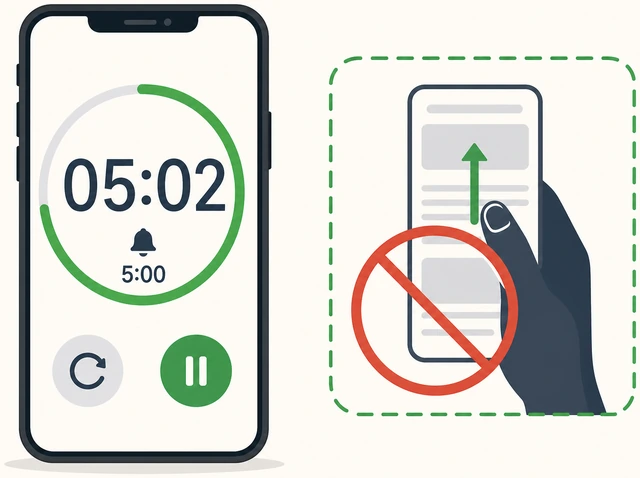
Open-ended reclaim undoes the evening — a short timer keeps feeds from swallowing bedtime.
- Open only the apps or messages you truly need first.
- If you open a feed, start a five-minute timer before scrolling.
- When the timer ends, lock the phone and put it down.
Any optional scroll is timer-bounded, not open-ended.
Urge to checkStrong pull to unlock mid-evening — "just a peek" story starts
Keep your hands busy — stand, water, or open the book.
Stand up · refill water · open laid-out book · hands occupied.
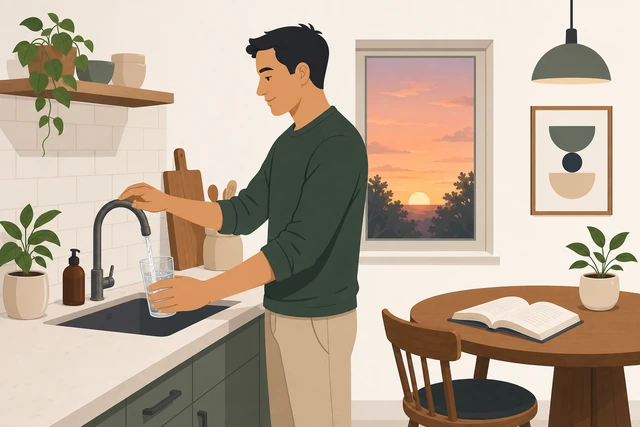
Busy hands interrupt the automatic reach before the unlock screen appears.
- Stand up or walk to the kitchen for water.
- Open the book or kit item already laid out.
- Keep both hands on the offline activity for a full minute.
Your hands are busy with an offline action, not reaching for the phone.
Read your sticky rule out loud once.
Sticky note · read aloud · one sentence · no debate.
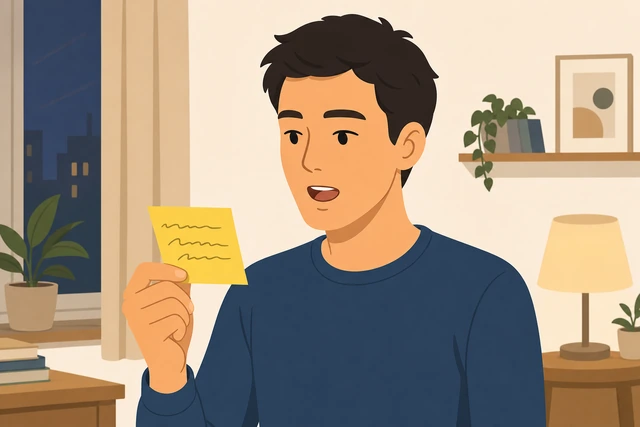
Hearing the rule out loud re-engages the plan you made when you were calm.
- Find tonight's sticky rule.
- Read the one sentence out loud once.
- Do not argue with it — just hear it and move on.
You have read the sticky rule out loud once.
Set a kitchen timer for ten minutes — survive only that slice.
Ten-minute timer · ride the wave · no unlock until it rings.
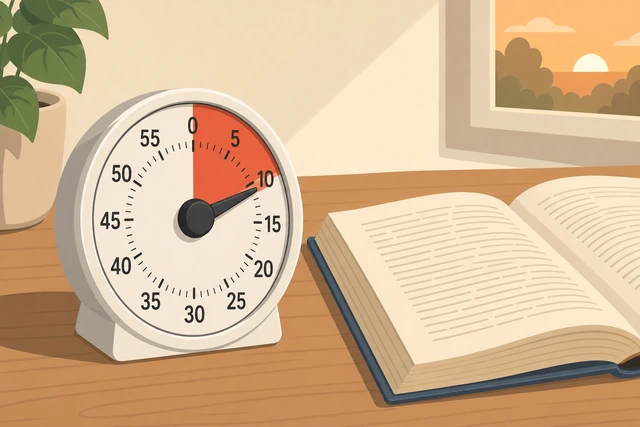
Urges peak and fall — surviving a short slice is easier than "never check again tonight."
- Start a ten-minute kitchen timer (not on the phone if that risks unlocking).
- Commit only to lasting until it rings.
- Return to any offline activity for those ten minutes.
A ten-minute timer is running and you have not unlocked yet.
Switch activity or take a short outdoor walk.
New offline activity · or short block walk · change the cue.
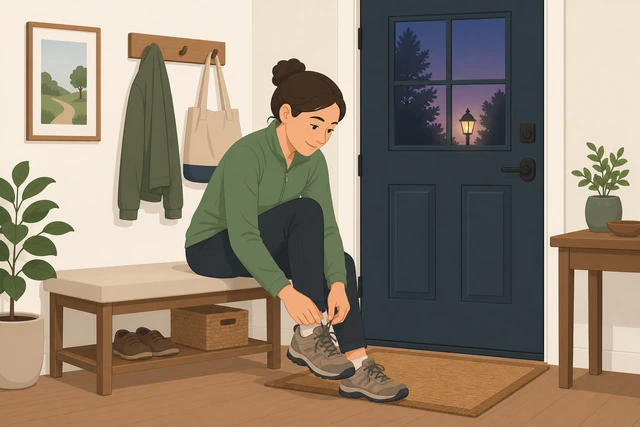
Same couch + same boredom rebuilds the scroll cue — changing activity or place breaks it.
- Switch to a different item on your offline list.
- If indoors feels stuck, walk around the block once.
- Leave the phone parked while you change activity or place.
You switched activity or place without unlocking the phone.
If the urge stays hot, move the phone farther away.
Farther park · another floor, car, or closet bag · add friction.
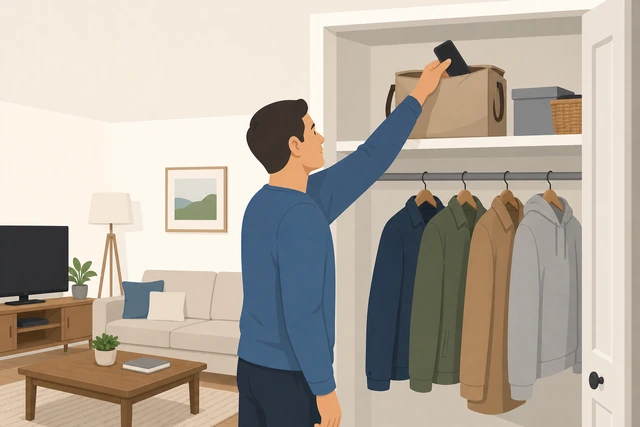
When urge stays high, add distance — more friction beats more willpower speeches.
- Move the phone to a farther spot (another floor, car, or bag in a closet).
- Tell a housemate the new park spot if that helps.
- Restart a short bridge activity after you re-park it.
The phone is farther away and harder to grab on impulse.
Urges every evening with panic, or phone use feels compulsive for weeks — talk to a clinician; this guide is not addiction treatment.
Must messageReal logistics need: pickup, safety check-in, one work ping, maps, or 2FA
Say the one task out loud before you unlock.
Name the task · one sentence · no feed apps in the plan.
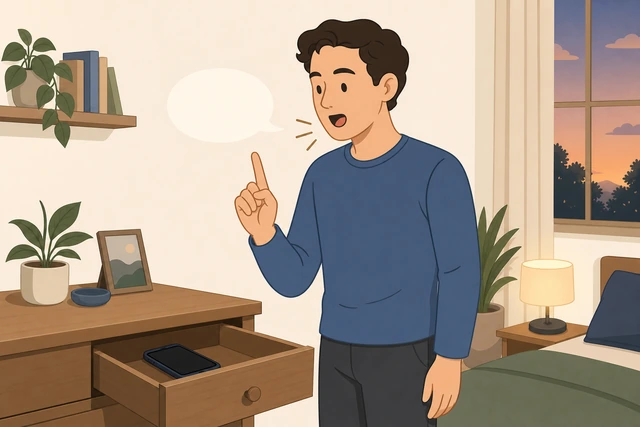
Naming the task first shrinks "I need my phone" into one concrete action.
- Say the task out loud (for example "text Mom the ETA only").
- If you cannot name one task, it is probably an urge — use Urge to check instead.
- Keep Focus/DND on unless you must turn it off for that contact.
You have named one concrete task before unlocking.
Open only Messages, Maps, or Authenticator.
One app · Focus still on · no social or news icons.
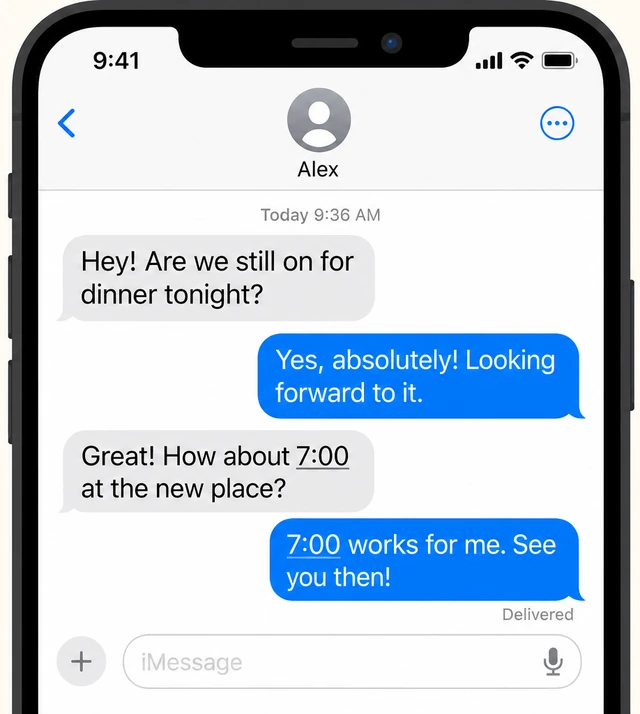
Opening a feed app turns logistics into a scroll — stick to the tool that does the one job.
- Unlock and open only the app needed for the task.
- Do not tap social, news, or email "while you're there."
- Keep the session short and on-task.
Only the needed app is open — no feed apps.
Do the one task, then lock immediately.
Send or check · lock screen · no browsing afterward.
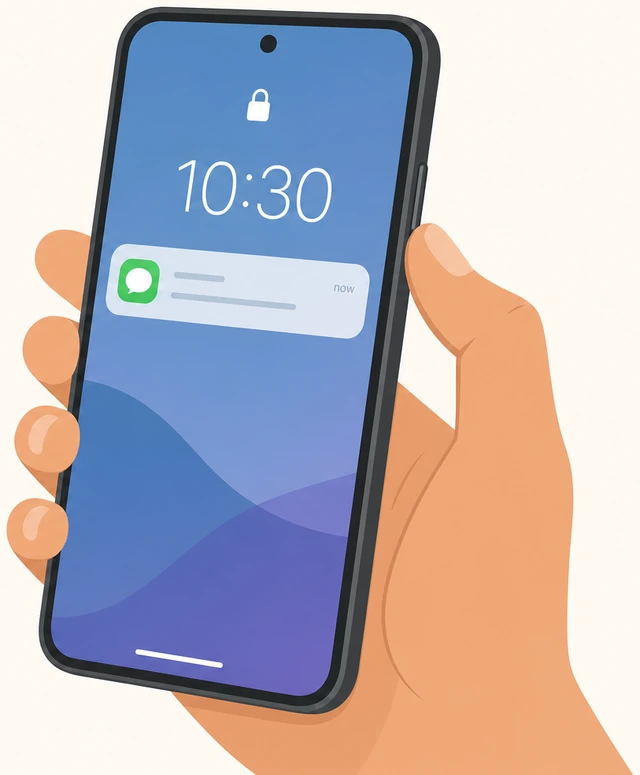
The dangerous minute is after the task — locking right away closes the window.
- Complete the single message, map check, or code entry.
- Lock the screen as soon as it is done.
- Do not read unrelated notifications on the way out.
The one task is done and the screen is locked.
Return the phone to its park spot immediately.
Back to drawer or other room · out of hand · park restored.
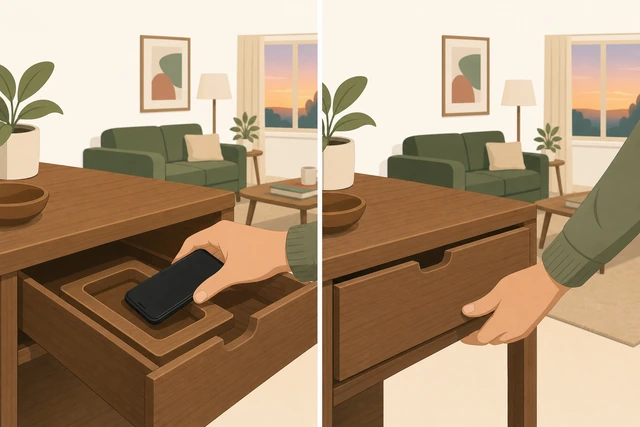
Leaving the phone on the couch after an exception invites the next peek.
- Walk the phone back to the same park spot.
- Confirm it is out of sight again.
- Do not pocket it "just for a while."
The phone is back in its park spot out of easy reach.
Restart offline for five minutes before anything else.
Five minutes offline · bridge or kit · then decide.

A short offline restart stops the exception from becoming the new evening default.
- Return to your bridge or kit activity for five minutes.
- Only then decide if another exception is truly needed.
- If urges spike after the exception, use Urge to check.
You spent five offline minutes after re-parking before deciding anything else.
Nightly "emergencies" that are really habit — rewrite allowed contacts. Constant work pings may need a coverage plan or separate work device.
Bored / nothing to doEvening feels empty; planned activities feel dull; restless pacing
Do not unlock — pick the easiest list item.
Preflight list · easiest item · start ugly · no unlock.
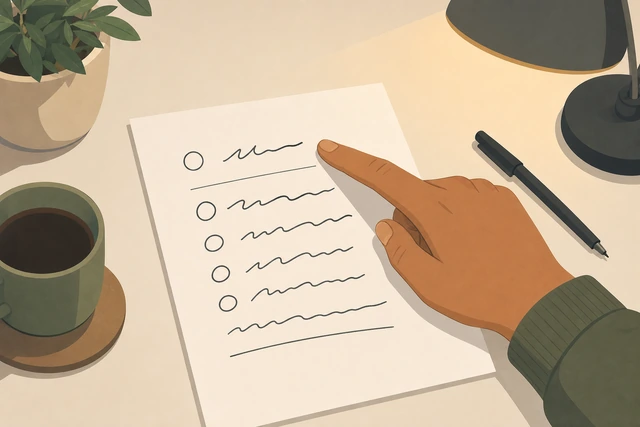
Waiting for the perfect activity is a trap — the easiest offline start beats an empty urge.
- Look at your preflight offline list without unlocking.
- Pick the easiest item, not the ideal one.
- Start it for two minutes even if it feels dull.
You started the easiest offline item without unlocking.
Change location to break the scroll cue.
New room · porch or table · leave the usual scroll couch.
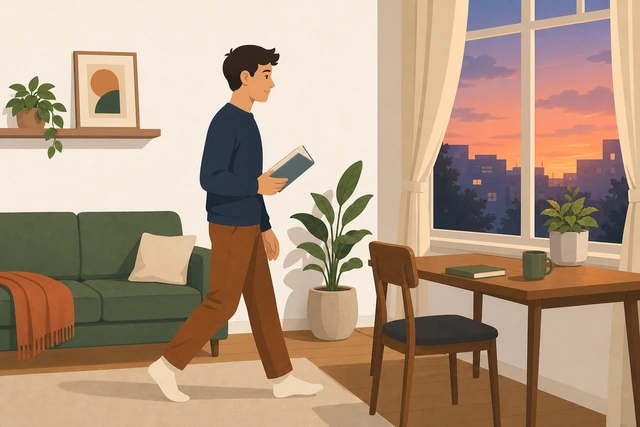
The couch often cues scrolling — a new place makes a new behavior easier.
- Move from the usual scroll spot to another room or the porch.
- Bring one offline kit item with you.
- Sit somewhere your phone usually is not.
You are in a different place than your usual scroll spot.
Use a fifteen-minute micro-task.
Tidy one surface · stretch · write three lines · fifteen minutes.
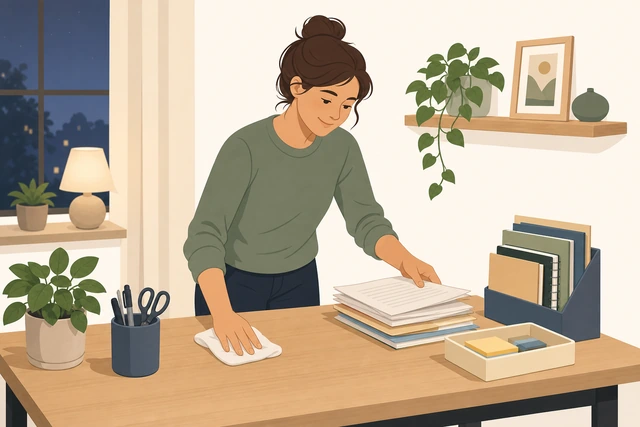
A tiny useful task gives restless energy a job without needing inspiration.
- Set about fifteen minutes for one micro-task.
- Examples: tidy one surface, stretch, or write three journal lines.
- Stop when the slice ends — that counts as a win.
A fifteen-minute micro-task is underway or finished offline.
If alone and stuck, prep tomorrow offline.
Pack bag · prep lunch · lay out clothes · useful filler.
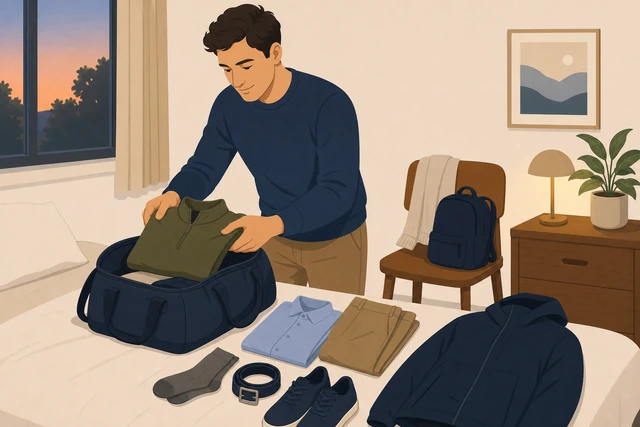
Productive offline filler still protects the rule when leisure feels empty.
- Prepare tomorrow's bag, lunch, or clothes.
- Keep it simple and physical — no "research on the phone."
- Return to a leisure kit item after the prep is done.
You completed a useful offline prep task without the phone.
Optional: invite a housemate into an offline shared activity.
Cards, walk, or cook together · phones parked · shared plan.
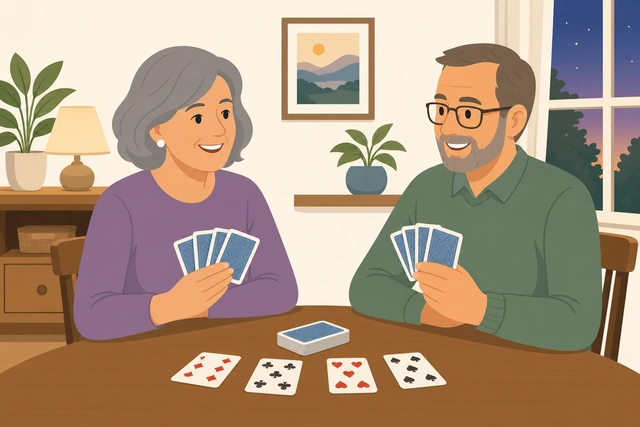
Shared offline time reduces the loneliness that often drives a peek.
- Ask a housemate to join a phone-free activity (cards, walk, cook).
- Agree both phones stay parked.
- Keep it short if energy is low — even fifteen minutes helps.
You either shared an offline activity or chose another solo offline option.
If you cannot enjoy any offline activity for weeks, consider broader mental-health support beyond a one-evening rule.
When to get help
- Ask a housemate to keep the phone in another room for one evening.
- If phone urges come with panic or feel compulsive most nights, talk to a doctor or counselor.
- If work demands constant evening access, negotiate coverage or a separate work device — do not only rely on willpower.
When This Doesn't Work
- Your job requires constant evening phone access. Negotiate coverage hours or a separate work device — this guide is for personal scroll-free time.
- You are a sole caregiver on-call for safety. Use Focus with allowed contacts instead of full Airplane Mode.
- Phone use feels compulsive with severe anxiety most nights. This evening plan helps once; lasting care may need a clinician.
- You only wanted to "use it less" with no park spot. Without friction, restart at Step 5 — distance is required.
Warnings
- Do not unlock "just to check the time" — use a wall clock or watch.
- Do not leave the phone on the couch "for charging" — charge it in the park spot.
- A quick exception is not a free scroll — one task, then re-park.
- This guide is not treatment for phone addiction or crisis mental health care.
Tips
- Tell one trusted person you are phone-light tonight so they do not expect instant replies.
- Put a cheap analog clock in the living room before you start.
- If a housemate scrolls beside you, move rooms or invite them into an offline activity.
- Repeat the same start time for a few evenings — cues get easier with repetition.
FAQ
Does TV or a laptop count as cheating?
Only if you decide beforehand. The hard rule is the phone. If another screen becomes a feed, switch to an offline kit item.
What if someone might need me?
Use Focus/DND with allowed contacts, or Airplane Mode off and a short exception protocol for true needs.
How long should a phone-free evening be?
Start with a clear window you can finish — even two hours after dinner counts. Grow later once one evening works.
Is Airplane Mode better than Do Not Disturb?
Airplane Mode blocks more, including calls. Use Focus/DND with allowed contacts if safety check-ins matter tonight.
What if I fail and scroll anyway?
Re-park the phone, write one line about what broke, and restart the bridge activity. One slip does not cancel the evening.
Comments
Questions, corrections, and what worked for you. Comments are reviewed before they appear.