How to Write a Cover Letter
Write a job-specific cover letter: map 2–3 posting requirements to proof, draft fit paragraphs, cut fluff, and close with a clear ask. Read one step at a time. Start with preflight. Career change? Career change. Gap? Employment gap. No hiring name? No contact name.
Tips for reading this guide
- One step at a time. Read the green caption, the Why line, then the bullets.
- Move on when the green done line is true — then go to the next step.
- Keep the job posting open — every proof should map to it.
- Career change? Career change.
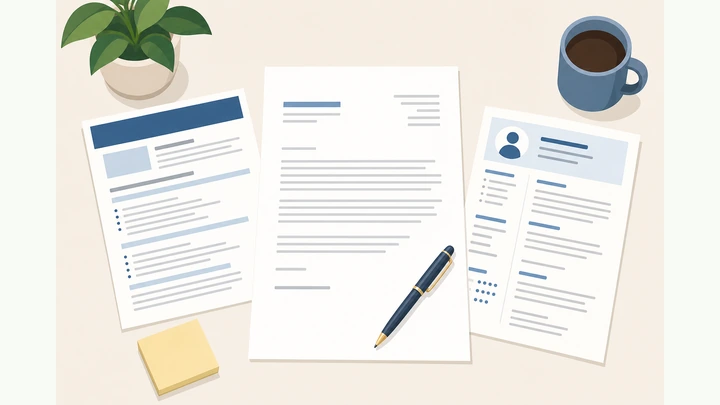
Things You'll Need
- Target job posting
- Updated resume
- Word processor or email draft
- PDF export if uploading
- Company website (for one specific detail)
Where are you stuck?
Start hereMap posting → proof → draft → cut fluff → ask → send
Preflight — open the job posting and your resume; list the company, exact role title, and 3 must-have skills from the posting.
Posting + resume open · role title copied · 3 requirements listed.
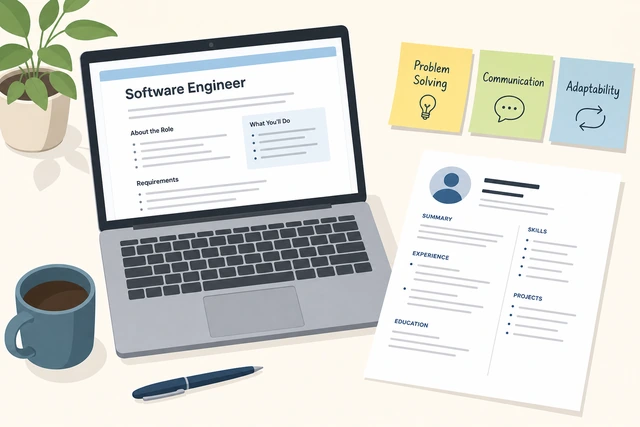
A letter without the posting’s real requirements becomes a generic essay.
- Open the job posting and your current resume.
- Write down the exact job title and company name.
- Highlight 3 must-have skills or duties from the posting.
- Keep both documents visible while you write.
You can point to the role title and three posting requirements on paper or screen.
Choose email body vs PDF attachment and name the file FirstLast_CoverLetter_Company.
Pick email or PDF · name the file clearly.
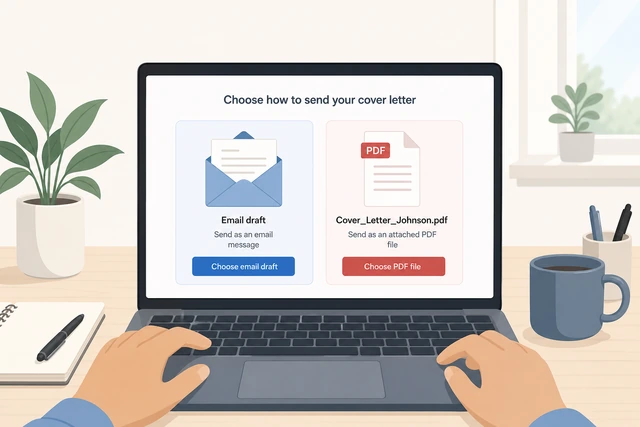
Wrong format or a file named Document1.pdf looks careless in an applicant pile.
- Check whether the posting asks for email text, portal upload, or PDF.
- Create a document (or email draft).
- Save as FirstNameLastName_CoverLetter_CompanyName.
- Use PDF for uploads unless they ask for Word.
Format matches the posting and the file has a clear professional name.
Build the header: your contact block, date, and employer contact (or Hiring Manager / team if unknown).
Your contact · date · employer block (or Hiring Manager).

A complete header makes the letter printable and shows you checked who receives it.
- Put your name, phone, email, and city/region at the top.
- Add today’s date.
- Add company name and hiring contact if listed.
- No name on the posting? → No contact name.
Header shows your contact details and a real employer line (name or team title).
Write the opening: name the role, where you found it, and one fit hook — not “I am writing to apply.”
Name the role · source · one-line fit hook.
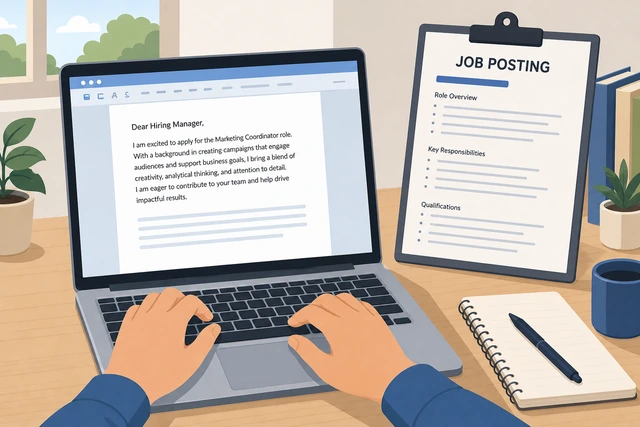
Hiring managers skim the first lines; a cliché opening wastes the only guaranteed read.
- State the exact job title.
- Say where you found the posting (company site, referral, board).
- Add one sentence on why you fit this role — a skill or result, not flattery.
- Skip “I am writing to apply for…” as your whole opener.
Opening names the role and includes one concrete fit line.
Map 2–3 posting requirements to proof from your resume (requirement → evidence).
2–3 requirements → matching proof from your work.
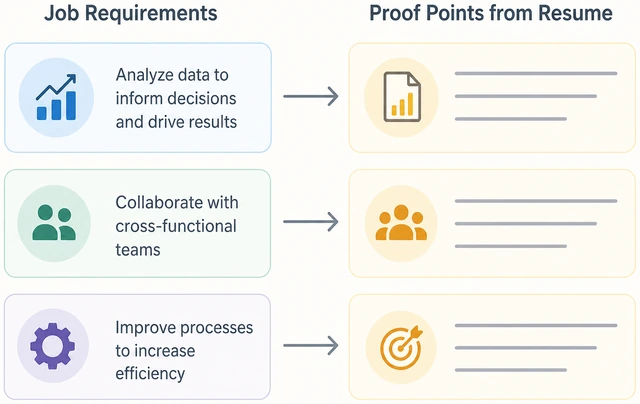
Letters that ignore the posting read as mass applications.
- Pick 2–3 requirements you can honestly prove.
- Next to each, write one proof (project, metric, tool, outcome).
- Star the strongest proof for the next paragraph.
- Proofs feel mismatched? → Career change.
You have a short list of 2–3 requirement→proof pairs.
Draft paragraph 2 around your strongest proof with a concrete result or metric when possible.
Strongest proof · concrete result · one short paragraph.
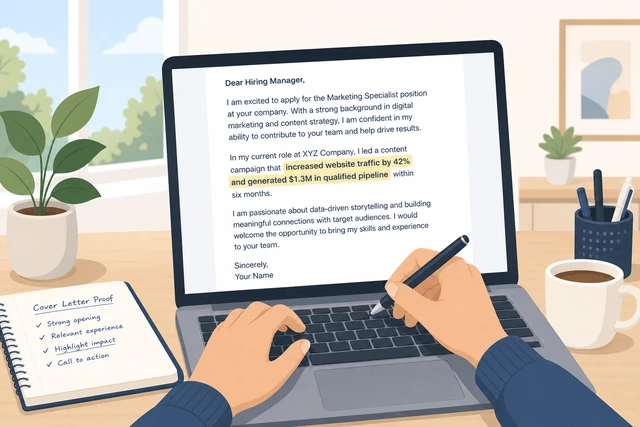
Vague claims (“hard worker”) do not survive comparison with quantified peers.
- Start with what you did (verb + context).
- Add a result, metric, or clear outcome if you have one.
- Tie it back to one posting requirement in plain words.
- Keep it to 3–5 sentences.
Paragraph 2 shows one specific achievement tied to the posting.
Draft paragraph 3 with a second proof plus one specific reason this company or team — not empty praise.
Second proof · one specific company/team reason.
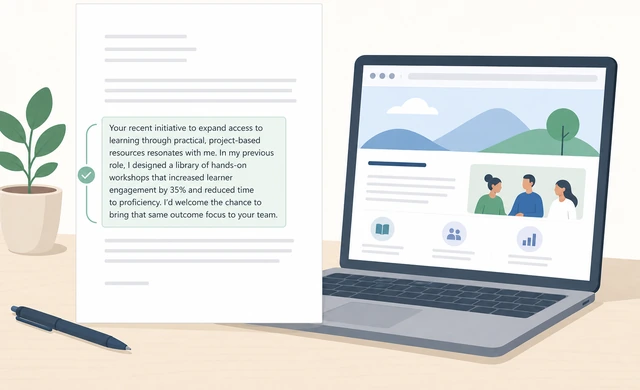
Generic “I love your brand” lines signal you did not read anything real.
- Add a second proof from your map.
- Name something specific: product, mission detail, tech stack, customer type, or recent news you actually checked.
- Keep praise short and tied to how you would help.
- Worried about a resume gap? → Employment gap.
Paragraph 3 has proof plus one non-generic company detail.
Optional short bridge: a third proof or tool only if the posting stresses it — stay under one page.
Optional third proof · only if posting stresses it · still one page.
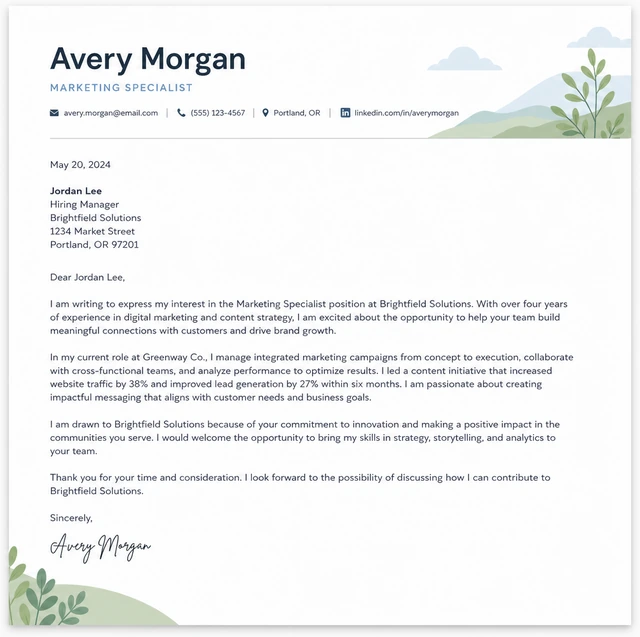
Extra paragraphs dilute your best proof when they only repeat the resume.
- If the posting hammers a third must-have, add 2–3 sentences max.
- Otherwise skip this step.
- Check length: aim ~250–400 words or one printed page.
Letter still fits one page (or agreed email length) after any optional bridge.
Write the close: thank them, state availability, and ask clearly for the next step.
Thanks · availability · clear ask for next step.
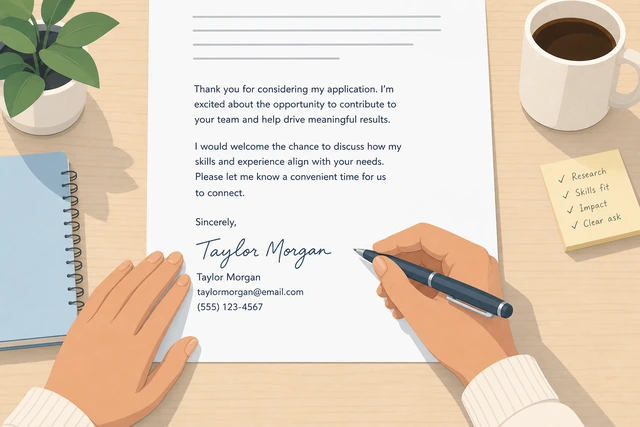
A letter without an ask ends flat; a desperate beg reads worse than a calm request.
- Thank them for their time.
- Say you are available for an interview or call.
- Ask clearly for consideration or a conversation — one sentence.
- Sign with your name (and phone/email if email body).
Closing includes thanks and a clear next-step ask.
Cut fluff: clichés, full resume rehash, and salary demands unless the posting requires them.
Cut clichés · cut resume dump · salary only if required.
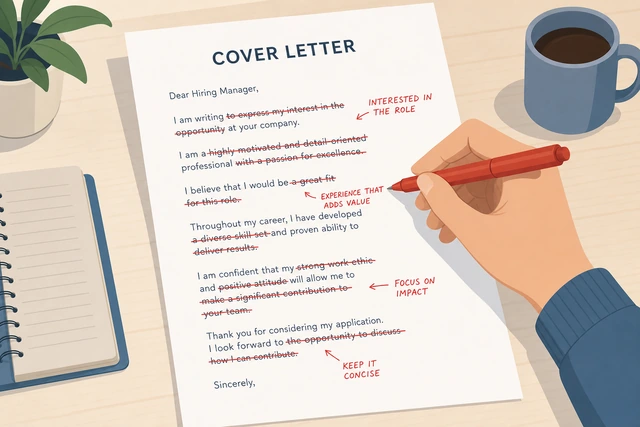
Recruiters reject letters that waste space on filler or premature money talk.
- Delete “passionate team player” type filler unless backed by proof.
- Remove bullets that only repeat the resume line-by-line.
- Mention salary only if the posting asks for it now.
- Read once for length — shorter is usually stronger.
Letter is lean, posting-focused, and one page / email-appropriate.
Proofread aloud; verify company name, role title, and contact details match the posting.
Read aloud · check company/role names · fix typos.
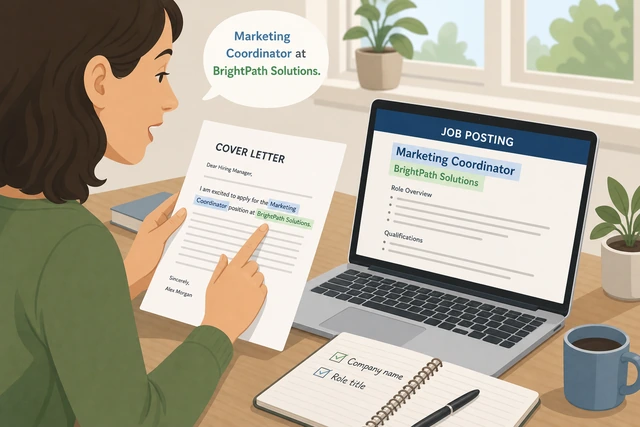
Wrong company name from a mail-merge is an instant reject.
- Read the whole letter aloud slowly.
- Confirm company and job title match this posting exactly.
- Check your phone and email.
- Fix grammar; do not rely on spellcheck alone.
Aloud read finds no name errors or obvious typos.
Pair with your resume (same contact block) and send or upload exactly as the posting instructs.
Match resume contact block · follow posting upload/email rules.
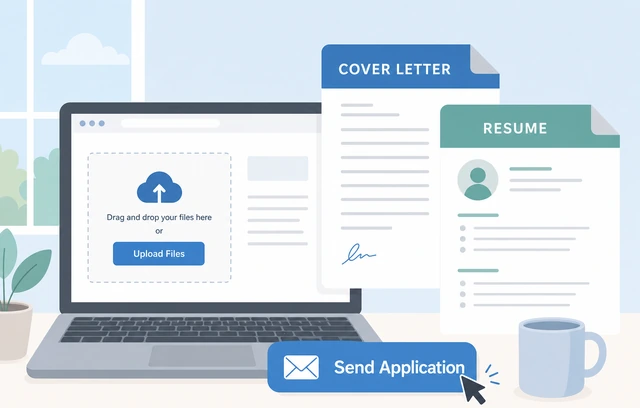
A perfect letter fails if it never reaches the portal or goes to the wrong address.
- Confirm resume and letter show the same phone/email.
- Attach or paste as instructed.
- Use the subject line they specify (or Role – Your Name).
- Submit once; keep a copy of what you sent.
Application package is submitted per instructions with matching contact info.
Career changeExperience looks off-target — lead with transferable proof
List transferable skills the posting still needs (tools, leadership, domain).
List transferable skills the posting still needs.
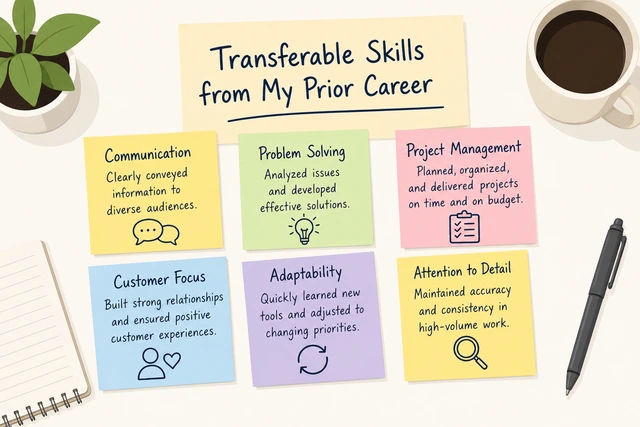
Hiring managers need a bridge, not an autobiography of every old job.
- Re-read the 3 must-haves.
- Mark which you can prove from another field.
- Drop proofs that only matter in the old industry.
You have at least two transferable proofs written down.
Open with the target role and one bridge sentence — no long apology.
Target role + one bridge sentence · no apology essay.
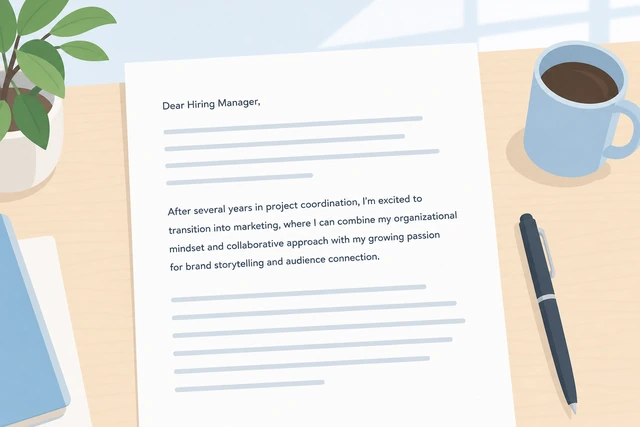
Apologies waste the opening; a clear bridge shows intent.
- Name the new role.
- One sentence: how your past work maps to this need.
- Do not write a paragraph about why you are “leaving” the old field.
Opening states the new role and one clear bridge.
Make paragraph 2 a transferable proof with a concrete result.
Transferable proof + result · tied to posting language.
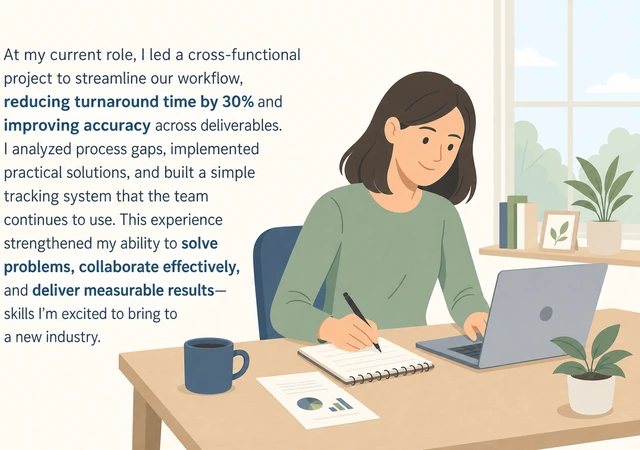
They need evidence you can perform, not motivation alone.
- Use posting vocabulary honestly.
- Show a result from the old context that maps to the new duty.
- Keep it specific.
One solid transferable proof paragraph exists.
Add only training/projects that close an obvious gap.
Mention recent course/project only if it closes a gap.
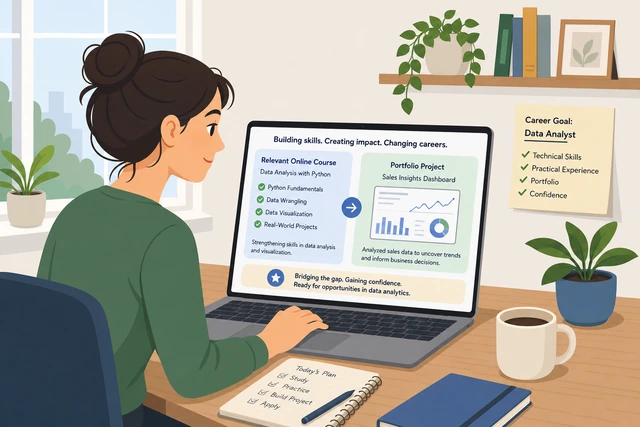
Random certificates look like padding; targeted ones reduce risk.
- Add a course, cert, or project only if it matches a must-have.
- Keep it to one or two lines.
- Skip unrelated hobbies.
Any training line clearly supports a posting requirement.
If you have zero transferable proof, pause applications and build one project first.
No transferable proof · build one project before mass-applying.

Letters cannot invent qualifications the interview will test.
- Pick one posting-aligned project.
- Finish a small demo or volunteer proof.
- Then rewrite the letter with that evidence.
You either have proof in the letter or a plan to create it before applying.
Employment gapAddress a gap lightly — one calm line, then recent proof
Decide if the gap matters for this posting (recent + long vs old + short).
Decide if this gap needs a letter mention.
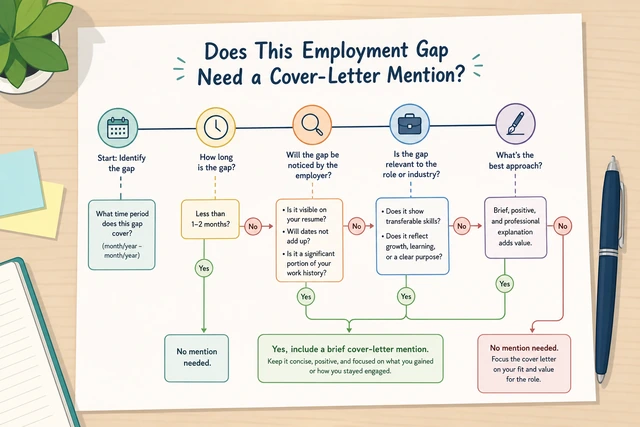
Old short gaps often need nothing; recent long gaps may need one line.
- Note gap length and how recent it is.
- If short/old and resume is clear, you may skip.
- If recent/long, plan one calm sentence.
You know whether this letter needs a gap sentence.
Write at most one factual sentence — no oversharing.
One factual sentence max · no medical/legal essay.
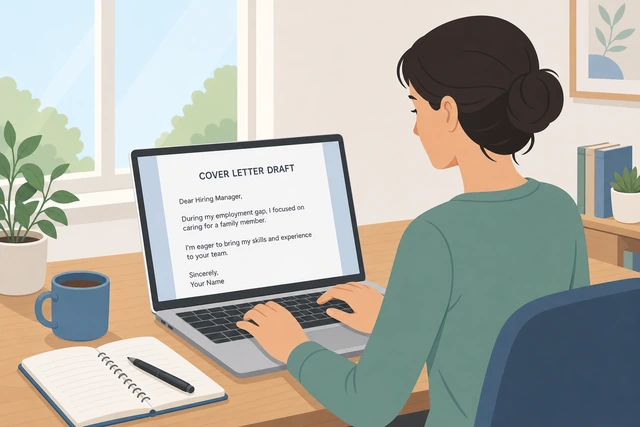
Oversharing creates new questions; understatement plus proof works better.
- Example pattern: caregiving / study / layoff / relocation — one clause.
- Do not invent drama.
- Do not attach private documents.
Gap line is one sentence or you chose to omit it.
Pivot immediately to recent proof of readiness.
Pivot to recent proof right after the gap line.

The reader’s next thought should be competence, not the gap.
- Name a recent project, freelance, course, or volunteer result.
- Tie it to a posting requirement.
- Keep momentum in the same paragraph or the next.
Recent proof appears immediately after any gap mention.
Align resume dates so the letter does not contradict the resume.
Resume dates and letter story match.
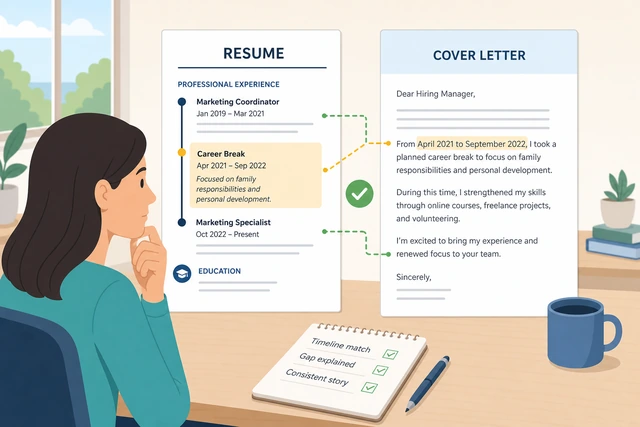
Contradictions look dishonest even when accidental.
- Open the resume timeline.
- Ensure the letter does not invent different dates.
- Fix formatting gaps on the resume if needed.
Resume and letter tell the same timeline.
Save details for the interview unless asked in the posting.
Details wait for the interview · letter stays short.
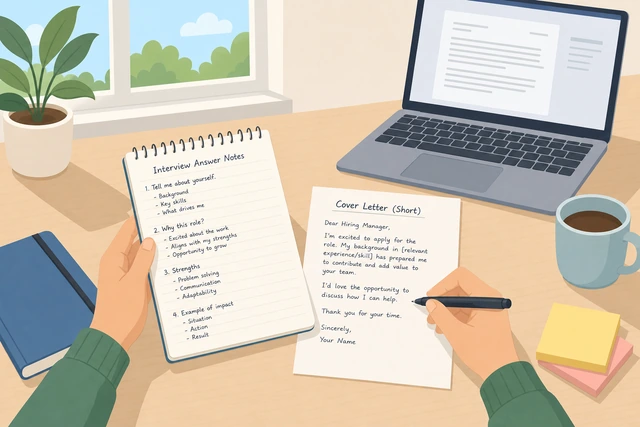
A cover letter is not a deposition.
- Keep the letter focused on fit.
- Prepare a calm 30-second gap answer for interviews.
- Share sensitive details only if required and appropriate.
Letter stays short; you have an interview answer ready.
No contact namePosting has no hiring manager — use team title, never invent a name
Use the team or role title from the posting (Hiring Manager, People Team, Engineering Hiring).
Address Hiring Manager or the team title from the posting.
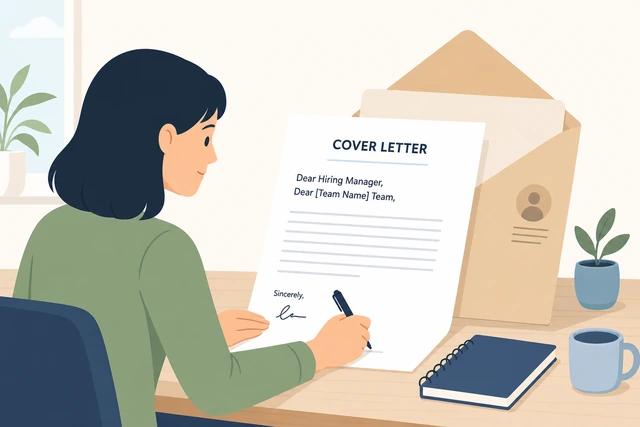
A real team title beats a fake personal name.
- Copy any team name in the posting.
- If none, use “Hiring Manager” or “Hiring Team.”
- Avoid “To whom it may concern” if you can.
Greeting uses a plausible team/role title.
Optional careful research: company site or LinkedIn — only use a name you are sure about.
Research only if sure · never guess a name.

Wrong names are worse than no name.
- Check the posting footer and company careers page.
- If LinkedIn shows a clear recruiter for this req, you may use it.
- If unsure, keep the team title.
You either have a verified name or you kept the team title.
Never invent or “approximate” a hiring manager’s name.
Do not invent a name · ever.
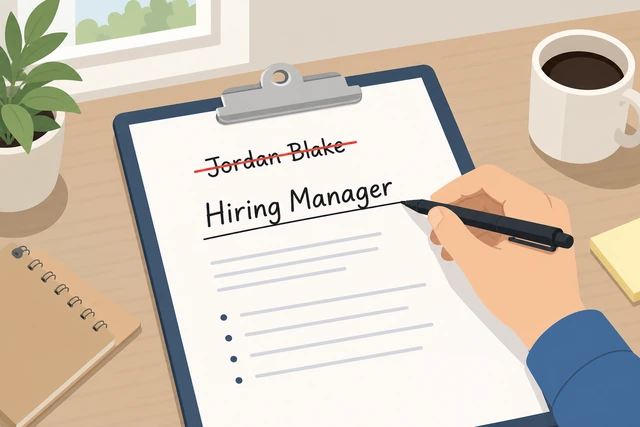
Invented names signal spam and kill trust immediately.
- Delete any guessed name.
- Replace with Hiring Manager / team.
- Move on to the body.
No invented personal names remain in the letter.
Mirror the company’s tone in the greeting (formal vs startup-casual).
Match greeting tone to the company.
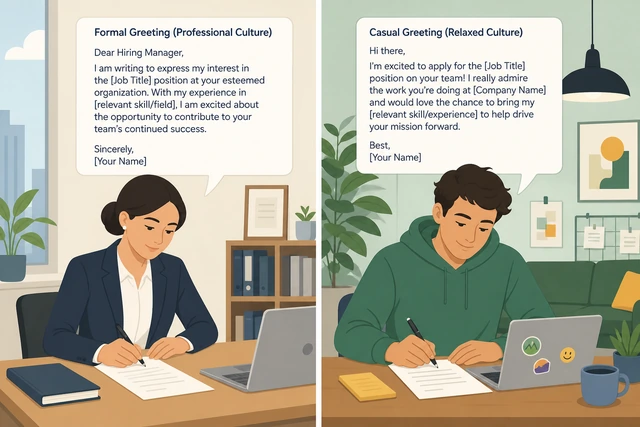
Over-stiff or over-casual greetings clash with culture cues in the posting.
- Read the posting voice.
- Use Dear + title for formal orgs.
- Hello + team can work for casual startups if the posting is casual.
Greeting tone matches the posting’s voice.
Put your best energy into the body proof — the greeting is rarely the decider.
Spend time on proof paragraphs · greeting is settled.
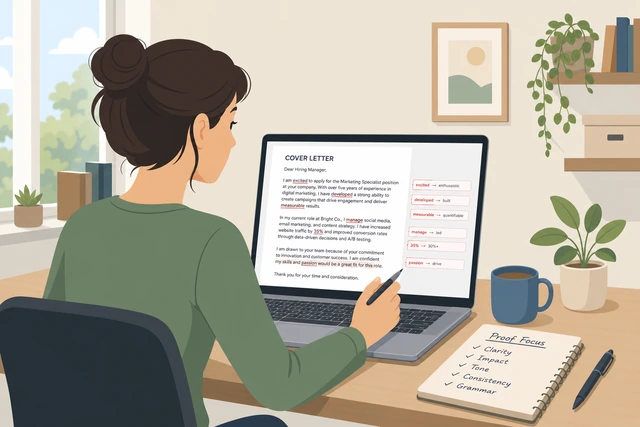
Perfect salutations do not fix empty proof.
- Lock the greeting.
- Return to requirement→proof paragraphs.
- Proofread names of the company still.
Greeting is done; body proofs are the focus again.
When This Doesn't Work
- Some portals replace letters with short essay boxes — paste a tightened version of paragraphs 2–3.
- Internal referrals may want a short note to the recruiter instead of a formal letter — ask your referrer.
- If the posting says “no cover letters,” follow that and put fit proof in the resume summary instead.
Warnings
- Never invent a hiring manager’s name.
- Do not lie about skills, titles, or metrics — interviews will test them.
- Do not paste the same letter into every application without changing company and proof.
Tips
- Write the proof map (Step 4) before any fancy sentences — structure beats eloquence.
- Match the resume contact block exactly so recruiters do not juggle two emails.
- Related: keep your resume tight with the same posting keywords.
FAQ
How long should a cover letter be?
Usually one page or about 250–400 words. Email bodies can be a bit shorter if the posting is casual.
Do I still need a letter if I have a strong resume?
When invited or required, yes — it is your chance to connect posting requirements to proof in narrative form.
Should I explain salary expectations?
Only if the posting asks. Otherwise save compensation for later stages.
Comments
Questions, corrections, and what worked for you. Comments are reviewed before they appear.